You're running sound, streaming, and slides with one volunteer and whatever gear you've got, not a full production crew. Small Church Media is free checklists, straight-talk blog posts, and (soon) real training, built from 23 years of actually doing this job.
Behind the Lens
Empowering Small Ministries
Grab the free Sunday Morning Sound Troubleshooting Cheat Sheet, the actual troubleshooting order for no sound, feedback, hum, distortion, and wireless issues, built so you can scan it standing at the booth and actually find the fix. We'll email it straight to your inbox, plus you'll be the first to hear when new courses and resources go live.
"Are you ready to move past the tech headache and back into the heart of ministry?"
— Nikki, Founder, Small Church Media
Nikki's journey began at just twelve years old, logging timecodes for her father's television program, Working the Word, and discovering a lifelong calling to media ministry.
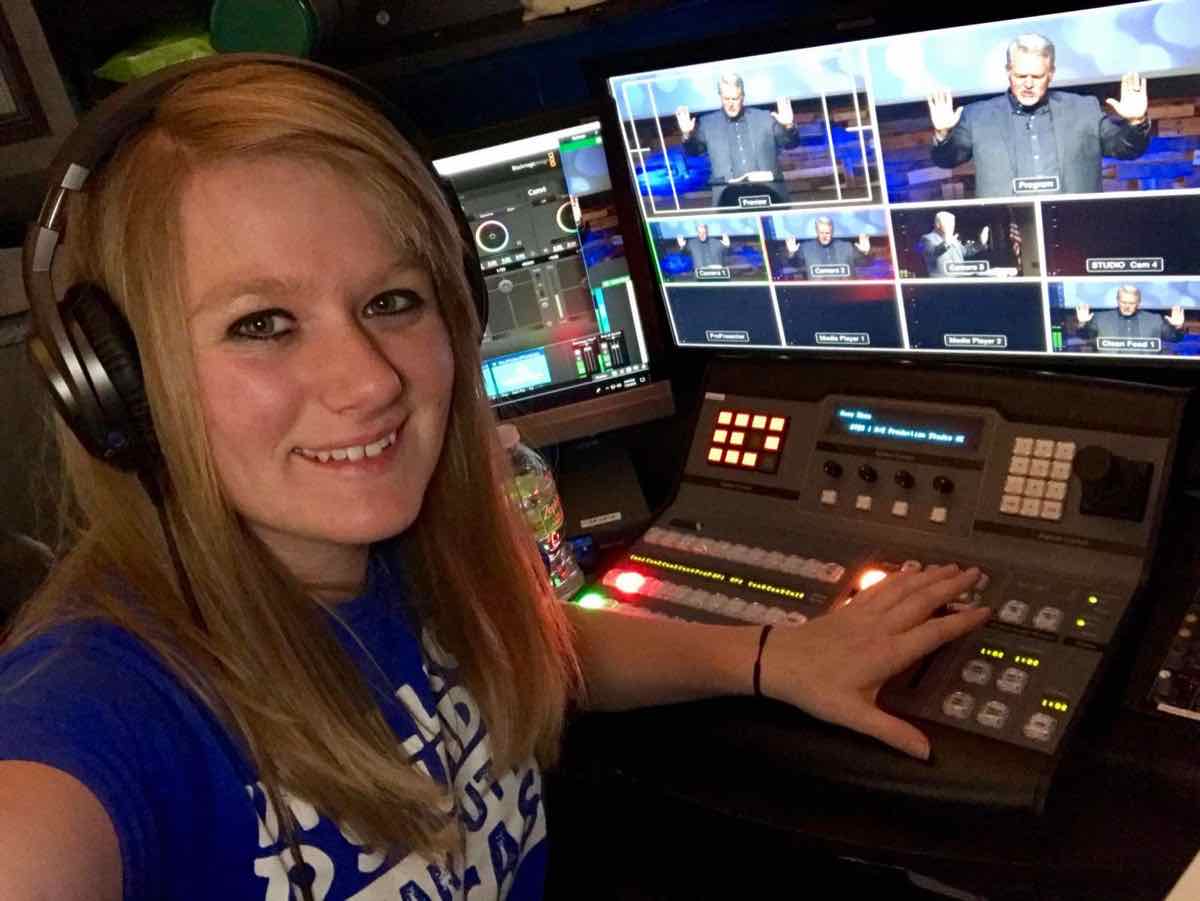
Over the next twenty-three years, she advanced from a curious volunteer into a seasoned media director, mastering everything from analog routing to state-of-the-art Blackmagic Design and Behringer X32 & WING systems through hands-on trial, error, and high-end production experience.
Today, Nikki channels her decades of technical expertise into helping small churches overcome resource limitations, build repeatable production systems, and train thriving volunteer teams — without losing their sanity.
Years Active
Console Expertise
Real questions from small church media teams, answered plain. New tips posted regularly on Facebook.
Nikki
Founder, Small Church Media
If you want the most reliable, budget-friendly route: go wired first.
For your musicians — especially stationary players like drummers or keyboardists — a wired setup using a simple headphone booster/amplifier is a total game-changer. It's cost-effective, bulletproof against interference, and sounds great.
The money you save by keeping your musicians wired can go toward a decent wireless in-ear system for your vocalists, who actually need the freedom to move on stage.
It's the perfect hybrid strategy: clean stage monitoring without breaking the bank. We've recommended this setup for years and it's held up every time.
Almost never. Before you spend anything, walk the signal path: transmitter, the air between, antenna, receiver, cable to the board. Most dropouts trace back to one of a few free fixes.
Rescan your frequencies if it's been more than a year, your building has more wireless traffic in it than you'd guess. Swap in genuinely fresh batteries, not the ones sitting in the drawer since spring, a battery reading "fine" can still underpower right when the service needs it. And check your receiver antennas aren't buried in a rack behind other gear.
If the dropout always happens in the same physical spot, that's a dead zone from cinderblock or ductwork eating the signal, not bad luck. Once you know where it is, you route around it.
Forget the frequency chart. Just know three zones: lows (rumble and boom, usually the first thing to cut, not boost), mids (where most of a voice actually lives), and highs (air and sparkle, turns harsh fast if you push it, especially over a livestream).
The mistake almost everyone makes first: boosting everything a little because it sounds better in isolation. It doesn't work once every channel stacks together, you just get harshness on harshness. Cutting what's fighting for space is almost always the safer first move.
Try this on one channel this week, the pastor's mic is a good one. Sweep a mid-range band up and down during soundcheck and listen for where it sounds boxy or nasal. Cut a little there. That's it.
Because it's probably feeding straight off your Main LR bus, and it shouldn't be. On a digital board (X32, Wing, similar), route livestream off a dedicated mix bus instead, so the stream mix can differ from the house mix, usually less reverb and a touch more compression than a live room needs.
Route that bus to a Card or USB output, on both the X32 and Wing this lives on the Routing screen, not the channel strip, and that output feeds your encoder directly. Change the stream mix all you want and the room never hears the difference.
Label your buses with names that mean something to whoever's on the board that week. "Livestream Feed" beats "Mix 3" for a volunteer who didn't set it up.
Free: Sunday Morning Sound Troubleshooting Cheat Sheet